Create a Custom Opening Picture for Your Icom Radio
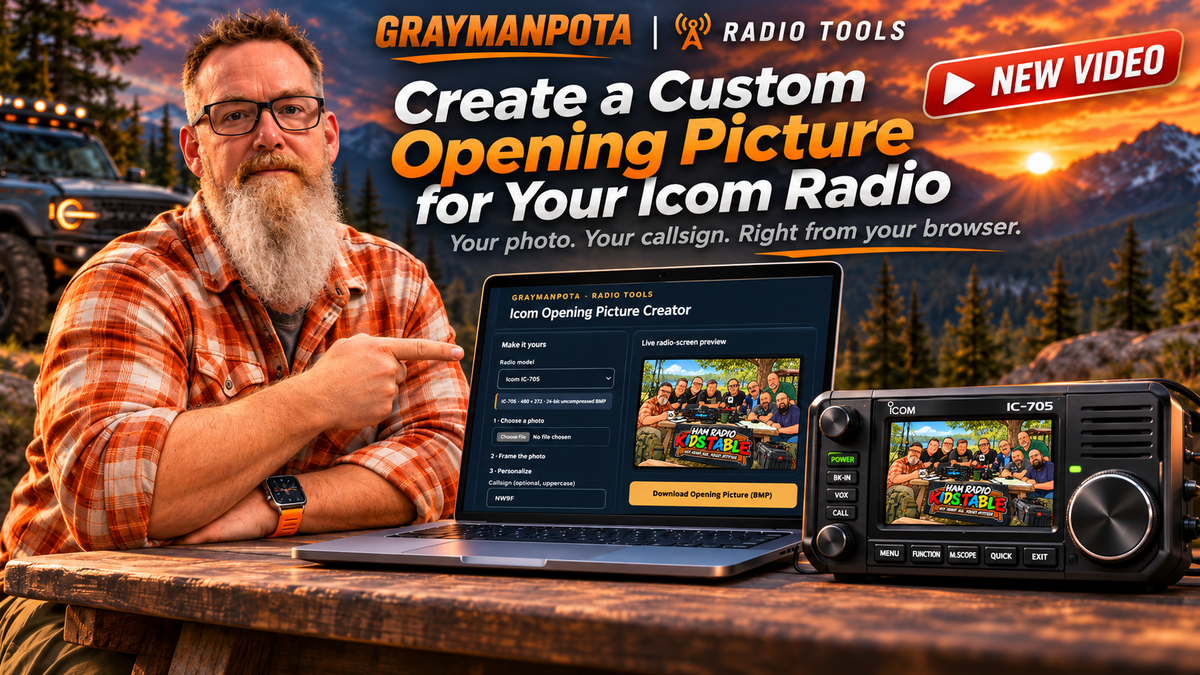
I finally put together a simple way to create custom opening pictures for select Icom radios without having to jump through the usual hoops.
The Icom Opening Picture Creator lets you personalize your radio with your own photo and callsign, then export it in the proper format right from your browser.
The original motivation was pretty simple: I'm on a Mac, and finding an easy way to create a proper 24-bit BMP for these radios was more annoying than it should have been. I didn't want to go hunt down a Windows machine just to use Paint for a one-off image conversion, so I built something easier.
In this video, I walk through the tool, show how it works, and explain how you can create your own custom startup image for supported radios.
If you try it, take a picture of your radio display and tag me! I'd love to see what you come up with, and I may feature some of them in a future video.
Watch the video and try it for yourself.
Ready to Put Your Own Spin on an Icom Radio?
Whether you're already using one of these radios or thinking about adding one to your shack, check them out at DX Engineering.
🤜 Icom ID-5200: https://geni.us/icom5200
🤜 Icom ID-52A Plus: https://geni.us/icom52aplus
🤜 Icom IC-705: https://geni.us/icom705
These are affiliate links. Purchasing through them helps support GraymanPOTA at no additional cost to you. Thanks for the support!